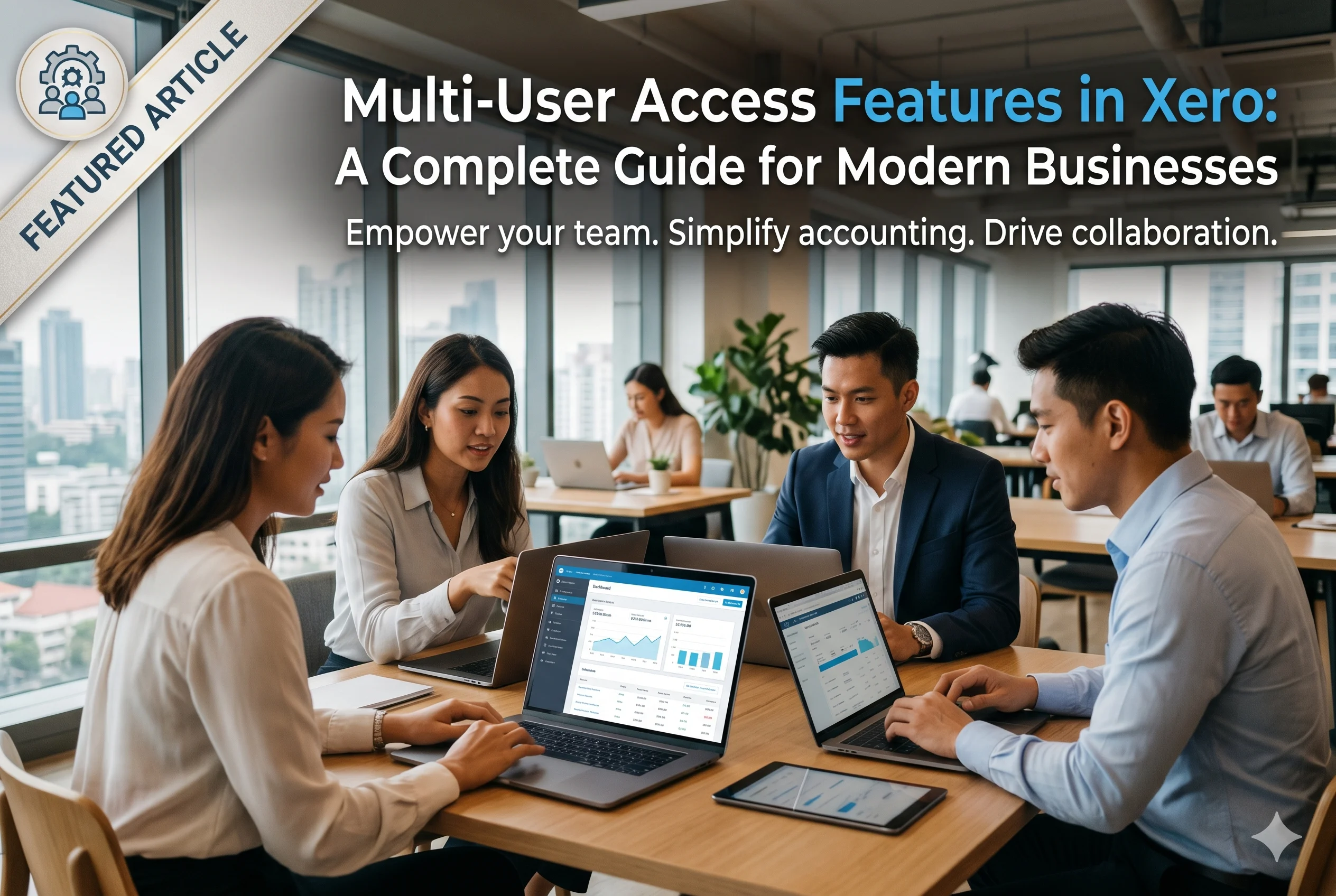
Multi-User Access Features in Xero: A Complete Guide for Modern Businesses
In today’s digital business environment, accounting is no longer a one-person task. Businesses need collaboration between owners, accountants, bookkeepers, managers, and external advisors. This is where multi-user access becomes essential.
Xero is designed as a cloud-based accounting system that allows multiple users to work on the same financial data simultaneously—without confusion, duplication, or version control issues.
This article explains in detail how multi-user access works in Xero, what features it includes, how permissions are controlled, and why it is important for modern businesses.
What is Multi-User Access in Accounting Software?
Multi-user access means that more than one person can use the same accounting system at the same time, with different roles and permissions.
Instead of a single accountant handling everything, businesses can allow:
- Business owners
- Accountants
- Bookkeepers
- Employees
- External financial advisors
Each user can access only the parts of the system they are allowed to see or edit.
In simple terms:
Multi-user access turns accounting software into a collaborative workspace instead of a single-user tool.
Multi-User Access in Xero
In Xero, multi-user access is a built-in feature that allows secure collaboration between different stakeholders.
Xero supports role-based access control, meaning every user gets specific permissions based on their role in the business.
This ensures:
- Data security
- Controlled access
- Reduced errors
- Better collaboration
Key Multi-User Access Features in Xero
1. Role-Based User Permissions
One of the most powerful features in Xero is role-based access.
Each user can be assigned a role such as:
- Standard User
- Invoice Only User
- Payroll Admin
- Read-Only User
- Advisor (Accountant/Bookkeeper)
What this means:
- A bookkeeper can manage transactions
- An employee can only submit expenses
- An accountant can access full financial reports
- A manager can approve invoices
This reduces risk and ensures users only see what they need.
2. Unlimited User Access (Plan Dependent)
Unlike traditional accounting systems that limit users, Xero allows multiple users depending on the subscription plan.
This is useful for:
- Growing businesses
- Teams with multiple departments
- Companies with external accountants
The ability to scale users makes Xero suitable for startups and enterprises alike.
3. Advisor Access (Accountants & Bookkeepers)
Xero provides a special access level called “Advisor Access.”
This is designed for:
- Chartered accountants
- Financial consultants
- Bookkeeping firms
Advisor users can:
- Access multiple client accounts
- Review financial statements
- Fix accounting errors
- Reconcile bank transactions
- Generate reports
This makes collaboration between businesses and accounting professionals seamless.
4. Secure Login and Authentication
Security is a major concern in financial systems.
Xero includes:
- Two-factor authentication (2FA)
- Secure login credentials
- Encrypted data access
- Session monitoring
Each user has their own login, so activities are tracked individually.
5. Activity Tracking and Audit Trail
One of the most important features in multi-user systems is transparency.
Xero provides a detailed audit trail that records:
- Who created a transaction
- Who edited invoices
- Who approved payments
- Time and date of changes
Why this matters:
If a mistake occurs, it is easy to trace back to the responsible action.
This increases accountability and reduces fraud risk.
6. Real-Time Collaboration
Since Xero is cloud-based, all users work on the same live data.
This means:
- No version conflicts
- No duplicate entries
- Instant updates for everyone
For example:
If a bookkeeper enters a bill, the accountant sees it immediately.
7. User Access for Invoicing and Billing
Xero allows businesses to give specific users access to invoicing only.
This is useful for:
- Sales teams
- Freelancers
- Service providers
These users can:
- Create invoices
- Send invoices to clients
- Track payments
But they cannot access sensitive financial reports.
8. Bank Reconciliation Access Control
Bank reconciliation is a critical accounting task.
In Xero:
- Some users can match transactions
- Others can only review or approve them
This ensures accuracy before financial data is finalized.
9. Approval Workflows (Internal Controls)
Multi-user access in Xero also supports approval workflows.
For example:
- An employee submits an expense
- A manager approves it
- An accountant records it
This structured process helps maintain financial discipline.
10. Access for Payroll Users
If a business uses payroll in Xero, specific users can be assigned payroll permissions.
They can:
- Process employee salaries
- Manage tax deductions
- Handle payslips
But their access can be restricted from general accounting data.
Benefits of Multi-User Access in Xero
1. Improved Team Collaboration
Different team members can work together without overlapping responsibilities.
2. Better Security and Control
Sensitive financial data is protected through role-based access.
3. Reduced Errors
Since tasks are divided, the chances of mistakes decrease significantly.
4. Increased Productivity
Multiple users can work simultaneously instead of waiting for one accountant.
5. Transparency and Accountability
Audit trails ensure every action is recorded.
6. Scalability
As a business grows, more users can be added easily.
Real-World Example of Multi-User Access in Xero
Let’s take a small company using Xero:
- Owner: views financial dashboard and approves major expenses
- Accountant: manages reports and tax filing
- Bookkeeper: records daily transactions
- Sales employee: creates invoices
- Manager: approves purchase orders
All of them work in the same system but with different permissions.
This eliminates confusion and improves workflow efficiency.
Multi-User Access vs Traditional Accounting Systems
| Feature | Traditional Accounting | Xero Multi-User System |
|---|---|---|
| Collaboration | Limited | Real-time multi-user |
| Access control | Basic | Role-based permissions |
| Updates | Manual | Instant cloud sync |
| Audit tracking | Weak or manual | Automated audit trail |
| Scalability | Low | High |
Security in Multi-User Access (Why Xero is Safe)
Security is a major concern when multiple users access financial data.
Xero ensures protection through:
- Encrypted cloud storage
- User-specific login credentials
- Access restrictions by role
- Activity logs for every action
- Secure API integrations
Even if many users are active, data remains protected.
Common Mistakes Businesses Make with Multi-User Access
Even with powerful tools like Xero, businesses sometimes misuse multi-user features.
1. Giving full access to all users
This increases risk of errors or data misuse.
2. Not reviewing user roles regularly
Employees may retain access even after changing roles.
3. Ignoring audit logs
Audit trails are often underused but very important.
4. Poor workflow design
Without proper approval structure, confusion can occur.
Best Practices for Using Multi-User Access in Xero
To get the most benefit:
- Assign least-required access (principle of least privilege)
- Regularly review user roles
- Use approval workflows for expenses
- Enable two-factor authentication
- Monitor audit logs regularly
- Train staff on system usage
Conclusion
Multi-user access in Xero is one of its most powerful features. It transforms accounting from a single-person task into a fully collaborative financial system.
With role-based permissions, real-time updates, audit trails, and secure cloud access, businesses can operate more efficiently and safely.
Whether you are a small startup or a growing company, multi-user access ensures that your financial operations are:
- Organized
- Secure
- Transparent
- Scalable
In modern accounting, collaboration is not optional—it is essential. Xero provides exactly that.