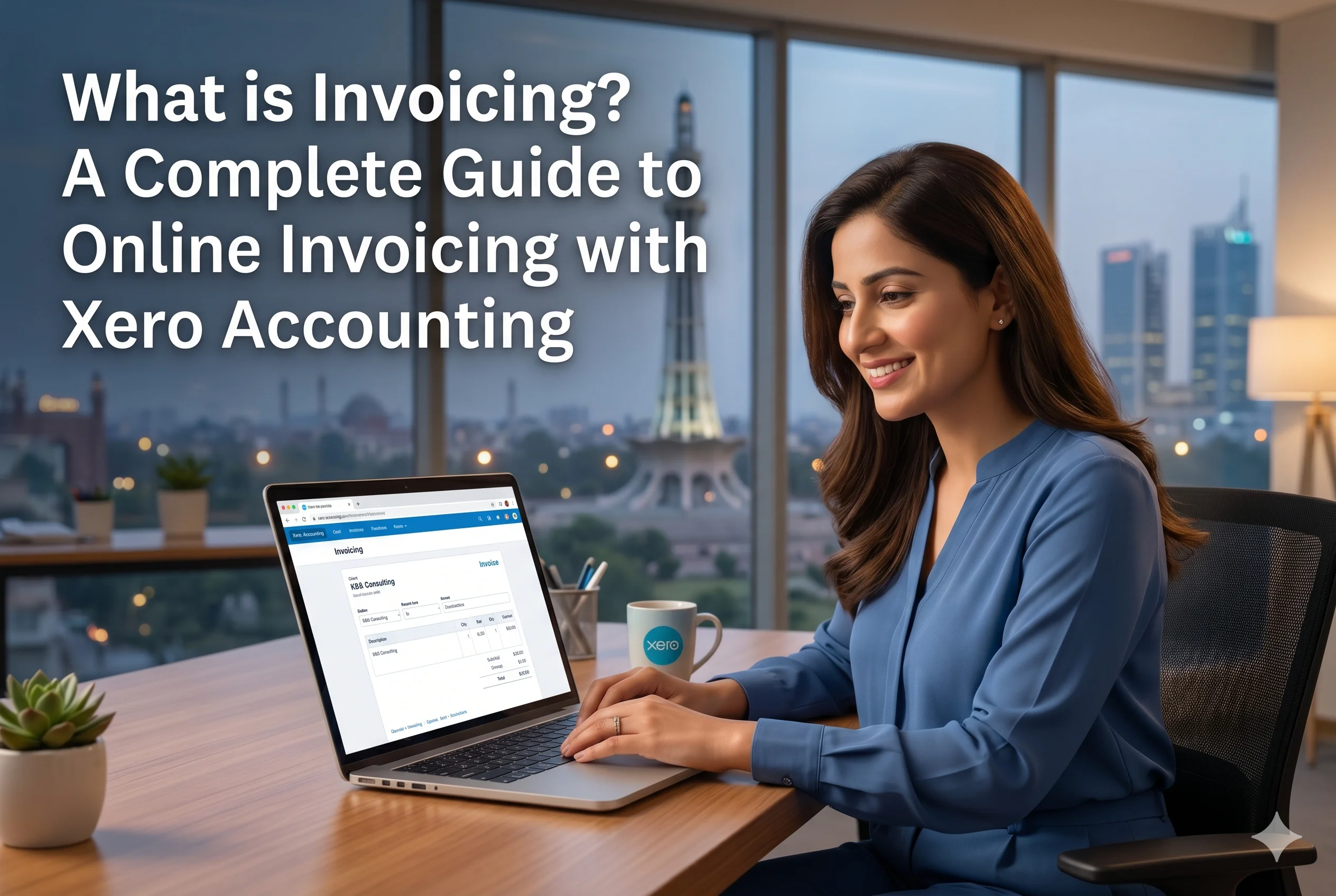
What is Invoicing? A Complete Guide to Online Invoicing with Xero Accounting
What is Invoicing?
Invoicing is the process of creating and sending a bill to a customer for products or services provided. An invoice typically includes:
- Business and customer details
- Description of goods/services
- Quantity and price
- Total amount due
- Payment terms and due date
Role of Invoicing in Business
Invoicing is a critical part of financial management because it:
- Records revenue transactions
- Helps track payments and outstanding amounts
- Supports cash flow management
- Provides legal proof of a transaction
- Ensures accurate accounting and reporting
Without proper invoicing, businesses struggle with delayed payments, poor financial tracking, and cash flow issues.
What is Online Invoicing?
Online invoicing is the digital version of traditional invoicing. Instead of creating paper invoices or manual spreadsheets, businesses use software to:
- Create invoices digitally
- Send them via email or apps
- Track payments in real time
- Automate reminders and follow-ups
Why Online Invoicing Matters
Online invoicing improves efficiency by:
- Reducing paperwork
- Automating repetitive tasks
- Speeding up payments
- Providing real-time visibility into finances
It is a key component of modern, cloud-based accounting systems.
Complete Guide to Online Invoicing in Xero
Introduction
Managing invoices manually can be time-consuming and inefficient. Businesses often face issues like delayed payments, data entry errors, and lack of visibility into outstanding invoices. To solve these challenges, Xero offers a powerful Online Invoicing feature that automates and simplifies the entire billing process.
With Xero, businesses can create, send, and track invoices from anywhere while improving cash flow and reducing administrative workload.
What is Xero Online Invoicing?
Xero’s online invoicing feature is a cloud-based system that allows businesses to:
- Create professional invoices
- Send them instantly to customers
- Accept online payments
- Track invoice status in real time
- Automate reminders for overdue payments
This feature transforms invoicing into a fast, accurate, and automated process.
Key Features of Xero Online Invoicing
1. Easy Invoice Creation
Creating invoices in Xero is simple and fast.
Features:
- Pre-filled customer details
- Automatic calculations
- Custom templates
Benefit:
- Saves time
- Reduces manual errors
2. Customizable Professional Invoices
Xero allows businesses to personalize invoices.
Options include:
- Add company logo
- Custom messages
- Payment terms
Result:
- Professional brand image
- Better customer experience
3. Automated Invoicing
Automation is one of Xero’s biggest strengths.
Capabilities:
- Recurring invoices for regular clients
- Group invoicing for multiple customers
- Automatic data entry
Benefits:
- Eliminates repetitive work
- Ensures consistency
4. Online Payment Integration
Xero makes it easier for customers to pay.
Supported options:
- Debit/credit cards
- Direct debit
- Integration with platforms like Stripe and GoCardless
Feature:
- “Pay Now” button on invoices
Benefit:
- Faster payments
- Improved cash flow
5. Automatic Payment Reminders
Late payments can hurt business operations.
Xero helps by:
- Sending automatic reminders
- Notifying customers before and after due dates
- Tracking reminder history
Result:
- Fewer overdue invoices
- Reduced follow-up effort
6. Real-Time Invoice Tracking
Xero provides full visibility of invoice status.
You can:
- See when an invoice is opened
- Track paid and unpaid invoices
- Monitor overdue payments
Advantage:
- Better financial control
- Quick decision-making
7. Mobile Invoicing
With the Xero mobile app, you can:
- Create invoices on the go
- Add customers instantly
- Send invoices from anywhere
Benefit:
- Flexibility
- Faster billing process
Benefits of Using Xero Online Invoicing
1. Faster Payments
Online invoicing with payment options helps businesses get paid quickly.
2. Time Savings
Automation reduces time spent on:
- Data entry
- Invoice creation
- Follow-ups
3. Improved Cash Flow
With better tracking and faster payments:
- Businesses maintain steady cash flow
- Reduce outstanding balances
4. Reduced Errors
Automated calculations and pre-filled data minimize mistakes.
5. Better Customer Experience
Customers benefit from:
- Easy payment options
- Clear invoices
- Timely reminders
6. Professional Image
Custom invoices enhance brand identity and trust.
How to Use Xero Online Invoicing
Step 1: Set Up Your Account
- Log into Xero
- Add business details
Step 2: Add Customers
- Enter customer information
- Save for future use
Step 3: Create an Invoice
- Select customer
- Add products/services
- Set price and due date
Step 4: Customize Invoice
- Add logo
- Include payment terms
Step 5: Send Invoice
- Email directly from Xero
- Share with customers instantly
Step 6: Enable Online Payments
- Connect payment providers
- Add “Pay Now” button
Step 7: Track and Follow Up
- Monitor invoice status
- Send reminders automatically
Additional Features and Capabilities
Time Tracking Integration
Xero can integrate time tracking data into invoices, ensuring accurate billing.
Expense Integration
Expenses can be linked to invoices for better financial management.
App Integrations
Xero connects with third-party apps to enhance invoicing workflows and automation.
Why Businesses Choose Xero for Invoicing
Businesses prefer Xero because it offers:
- Cloud-based accessibility
- Automation of repetitive tasks
- Real-time financial insights
- Seamless payment integration
- Scalability for growing businesses
Best Practices for Using Xero Invoicing
To maximize efficiency:
- Use recurring invoices for regular clients
- Enable automatic reminders
- Monitor overdue invoices regularly
- Customize invoices for branding
- Integrate payment methods
Conclusion
Invoicing is a fundamental part of any business, directly impacting revenue and cash flow. Xero enhances this process through its powerful online invoicing feature, making it faster, smarter, and more efficient.
From creating professional invoices to automating reminders and accepting online payments, Xero provides a complete solution for modern businesses. By adopting Xero’s online invoicing system, businesses can reduce administrative workload, improve financial accuracy, and ensure faster payments.
In today’s digital economy, switching to automated online invoicing is not just an upgrade—it is a necessity for sustainable growth and success.