Understanding Project Tracking and How It Works in Xero Accounting
What is “Project Tracking”?
Project tracking is the process of monitoring and managing all aspects of a project, including:
- Time spent on tasks
- Costs and expenses
- Resources and activities
- Progress against budget
- Profitability
Why Project Tracking is Important
In business, especially in service-based or project-based industries, tracking projects is essential because it:
- Ensures projects stay within budget
- Helps deliver work on time
- Tracks profitability of each job
- Improves resource allocation
- Provides financial transparency
Without proper project tracking, businesses may lose money due to uncontrolled costs, poor time management, and lack of visibility.
What is Project Tracking in Xero?
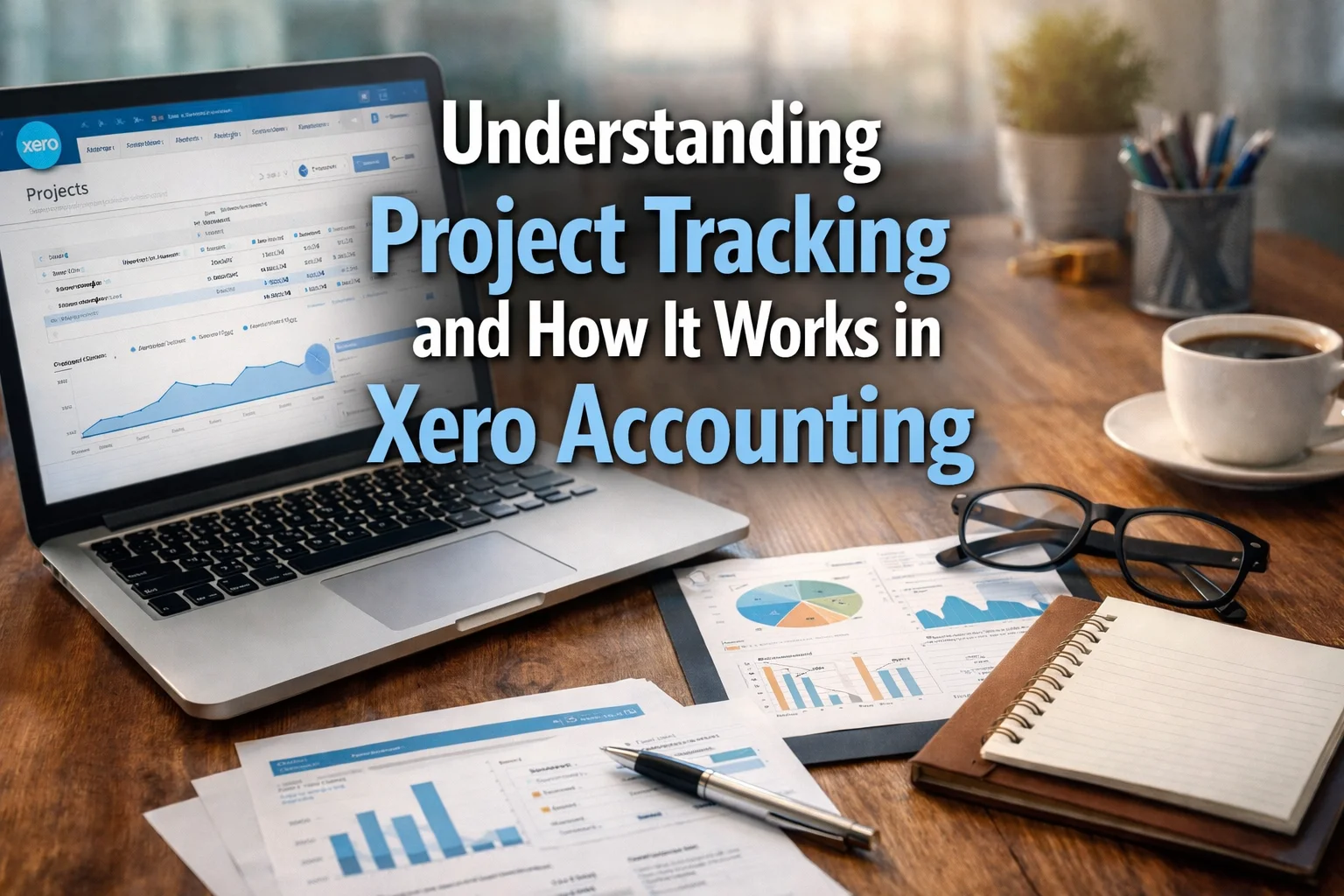
The Track Projects feature in Xero is a project accounting tool that helps businesses monitor project costs, time, budgets, and profitability in real time.
It allows users to:
- Create and manage multiple projects
- Track time and expenses automatically
- Compare actual costs vs budget
- Generate invoices directly from project data
- Analyze project profitability
In simple terms, Xero turns project management into a financially controlled and data-driven process.
Complete Guide to Xero Track Projects Feature
Introduction
Managing projects without proper tools can lead to missed deadlines, overspending, and reduced profitability. Xero solves this problem with its Track Projects feature, designed to give businesses complete control over their project finances and operations.
By combining accounting and project management, Xero helps businesses track every dollar and every hour spent on a project.
Key Features of Xero Project Tracking
1. Easy Project Setup
Xero makes it simple to start tracking projects.
Features:
- Create projects in minutes
- Add job details and descriptions
- Assign tasks and resources
Benefit:
- Quick onboarding
- No complex setup required
2. Time Tracking and Monitoring
Tracking time accurately is critical for billing and productivity.
Xero offers:
- Start–stop timer
- Manual time entry
- Mobile time tracking
Benefits:
- Real-time job insights
- Accurate billing
- Better productivity tracking
3. Expense and Cost Tracking
Xero allows you to link costs directly to specific projects.
Capabilities:
- Record project-related expenses
- Assign costs to jobs
- Track spending in real time
Result:
- Clear visibility of where money is going
- Better budget control
4. Budgeting and Cost Control
Managing budgets becomes easier with Xero.
Features:
- Set project budgets
- Compare actual vs planned costs
- Monitor spending trends
Advantage:
- Prevent overspending
- Improve financial planning
5. Project-Based Invoicing
Xero integrates invoicing directly with project tracking.
Options include:
- Fixed-price invoices
- Time-and-materials billing
- Progress-based payments
Benefits:
- Faster invoicing
- Accurate billing
- Reduced admin work
6. Real-Time Financial Dashboard
Xero provides a clear overview of project performance.
Dashboard shows:
- Revenue vs costs
- Profitability
- Project progress
Benefit:
- Quick decision-making
- Full financial visibility
7. Profitability Tracking
Understanding which projects are profitable is crucial.
Xero helps by:
- Comparing income and expenses
- Ranking projects by profitability
- Identifying high-performing jobs
Benefits of Using Xero Track Projects Feature1. Better Time Management
Track time spent on tasks and improve productivity.
2. Improved Budget Control
Monitor expenses and avoid cost overruns.
3. Real-Time Financial Insights
Access up-to-date data for better decision-making.
4. Increased Profitability
Identify profitable and loss-making projects.
5. Reduced Administrative Work
Automation reduces:
- Manual tracking
- Data entry
- Reporting effort
6. Accurate Billing
Ensure every hour and cost is billed correctly.
7. Enhanced Project Planning
Use data insights to plan future projects more effectively.
How to Use Xero Track Projects Feature
Step 1: Create a Project
- Log into Xero
- Navigate to Projects
- Add project details
Step 2: Set Budget and Scope
- Define estimated costs
- Allocate resources
- Set timelines
Step 3: Track Time and Expenses
- Use timer or manual entry
- Record expenses
- Assign costs to project
Step 4: Monitor Progress
- Check dashboard
- Compare actual vs budget
- Adjust plans if needed
Step 5: Generate Invoices
- Convert tracked time and costs into invoices
- Choose billing method
- Send to customer
Step 6: Analyze Reports
- Review profitability
- Identify trends
- Improve future planning
Common Use Cases
1. Service-Based Businesses
- Track billable hours
- Invoice clients accurately
2. Construction and Engineering
- Monitor project costs
- Control budgets
3. Freelancers and Agencies
- Manage multiple clients
- Track time and expenses
Why Businesses Choose Xero for Project Tracking
Businesses prefer Xero because it offers:
- Integration with accounting and invoicing
- Real-time financial data
- Easy-to-use interface
- Automation of repetitive tasks
- Scalability for growing businesses
Best Practices for Using Xero Projects
To maximize efficiency:
- Track time daily
- Assign all costs to projects
- Monitor dashboards regularly
- Use project reports for analysis
- Set realistic budgets
Additional Capabilities
Integration with Invoicing
Automatically convert project data into invoices.
Mobile Accessibility
Track time and costs from anywhere.
Reporting and Analytics
Generate detailed reports for better decision-making.
Conclusion
Project tracking is essential for businesses that want to control costs, manage time effectively, and maximize profitability. Xero provides a powerful Track Projects feature that combines project management with financial tracking.
With tools for time tracking, cost management, budgeting, invoicing, and reporting, Xero enables businesses to manage projects efficiently from start to finish. By using this feature, companies can improve accuracy, reduce administrative work, and make smarter business decisions.
In today’s competitive environment, having a reliable project tracking system like Xero is not just beneficial—it is a key driver of success.